POS
App Development

Stateside Digitals builds custom POS apps for retail businesses, restaurants, and event operators across all 50 states, covering hardware integration, offline processing, inventory sync, and the payment compliance layer that every card transaction requires.

Why The POS App Market Needs The Right App

Generic POS systems are built to serve the average business, which means they serve no specific operation particularly well. A restaurant with complex modifier logic, a market with multiple vendors requiring split payments at the terminal, or a mobile business that processes transactions in locations without reliable internet all hit the limits of what Square and Lightspeed accommodate before they reach the limits of what they need to do.

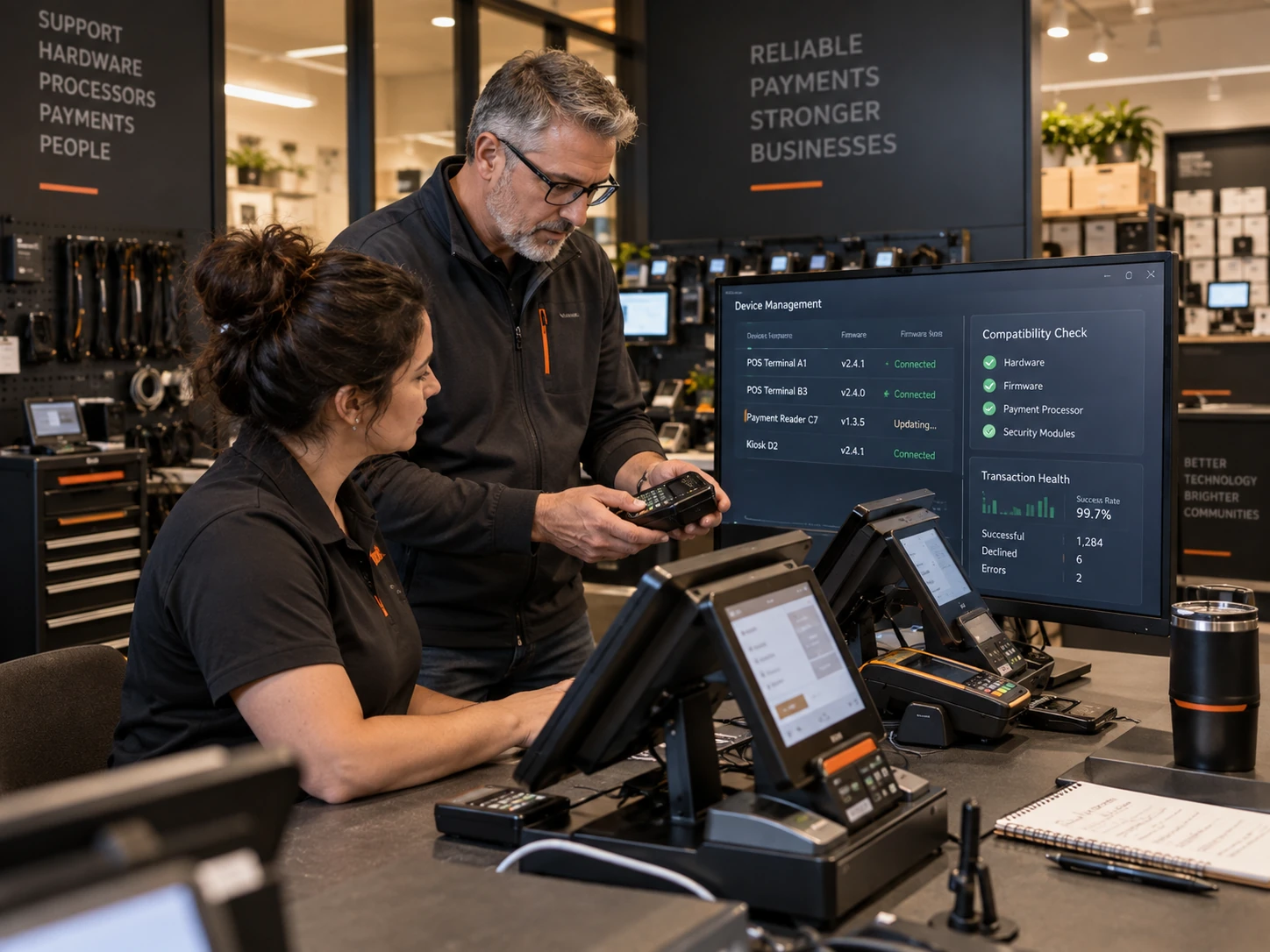
A custom POS is also the integration layer that connects physical transactions to the digital systems a business already runs. Inventory that updates the moment a sale is made, sales data that flows directly into accounting software, and customer purchase history that feeds a loyalty program all require a POS that was built to connect to those systems rather than one that exports a CSV file and hopes someone imports it.

Our POS
App Development Services

01

Sales Interface and Checkout Flow

Product and menu lookup, quantity and modifier management, discount and promotion application, and a checkout flow that moves fast enough that a queue does not form behind it.
03

Inventory and Reporting Sync

Real-time inventory deduction on every sale, end-of-day reports, sales analytics by product and category, and integration with the accounting or ERP system the business already uses.

POS App
Models We Build

Three distinct platform models cover most of the POS market. The workflow, the hardware requirements, and the integration complexity differ significantly between them.
01

Retail and Checkout POS

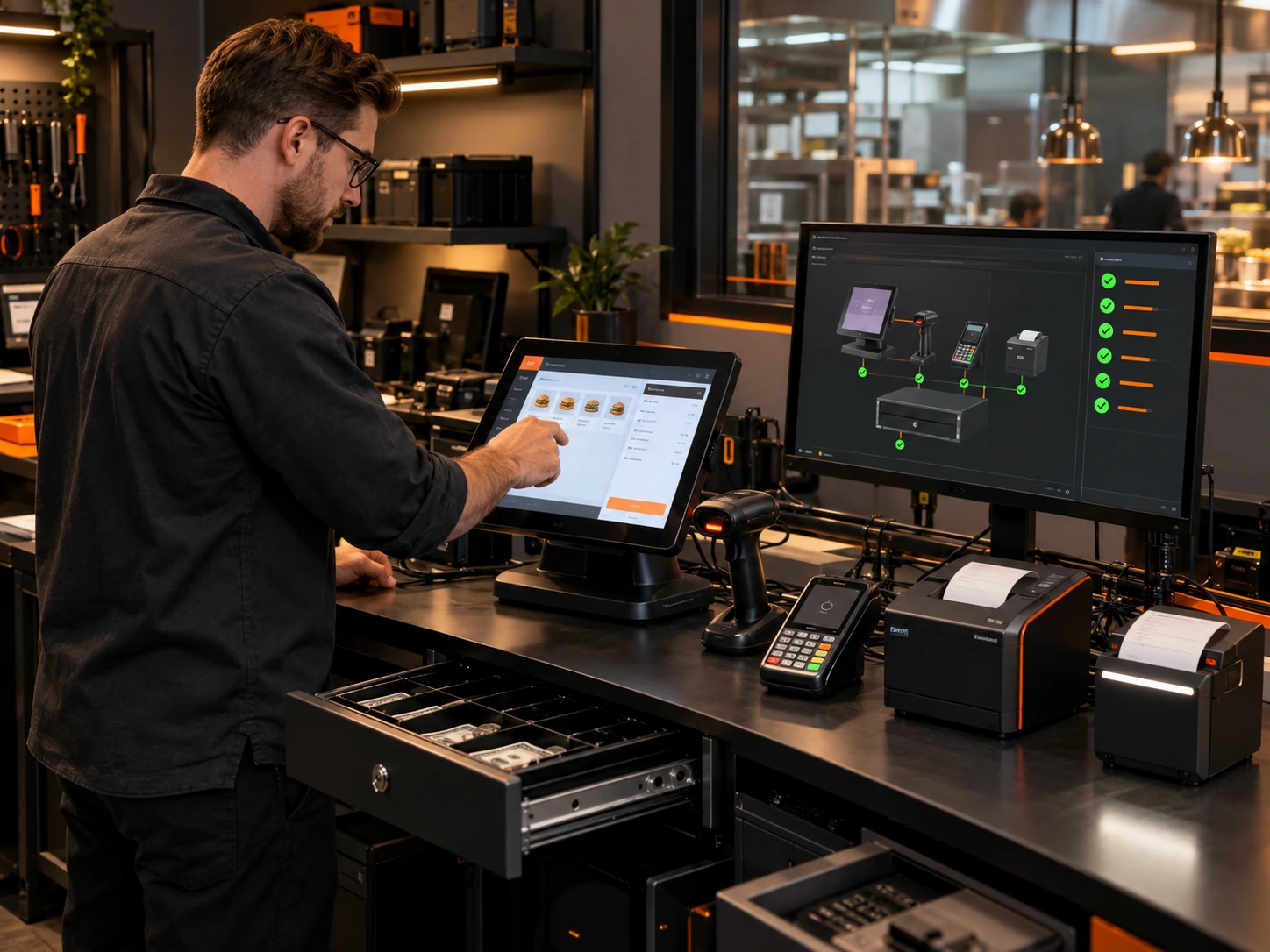
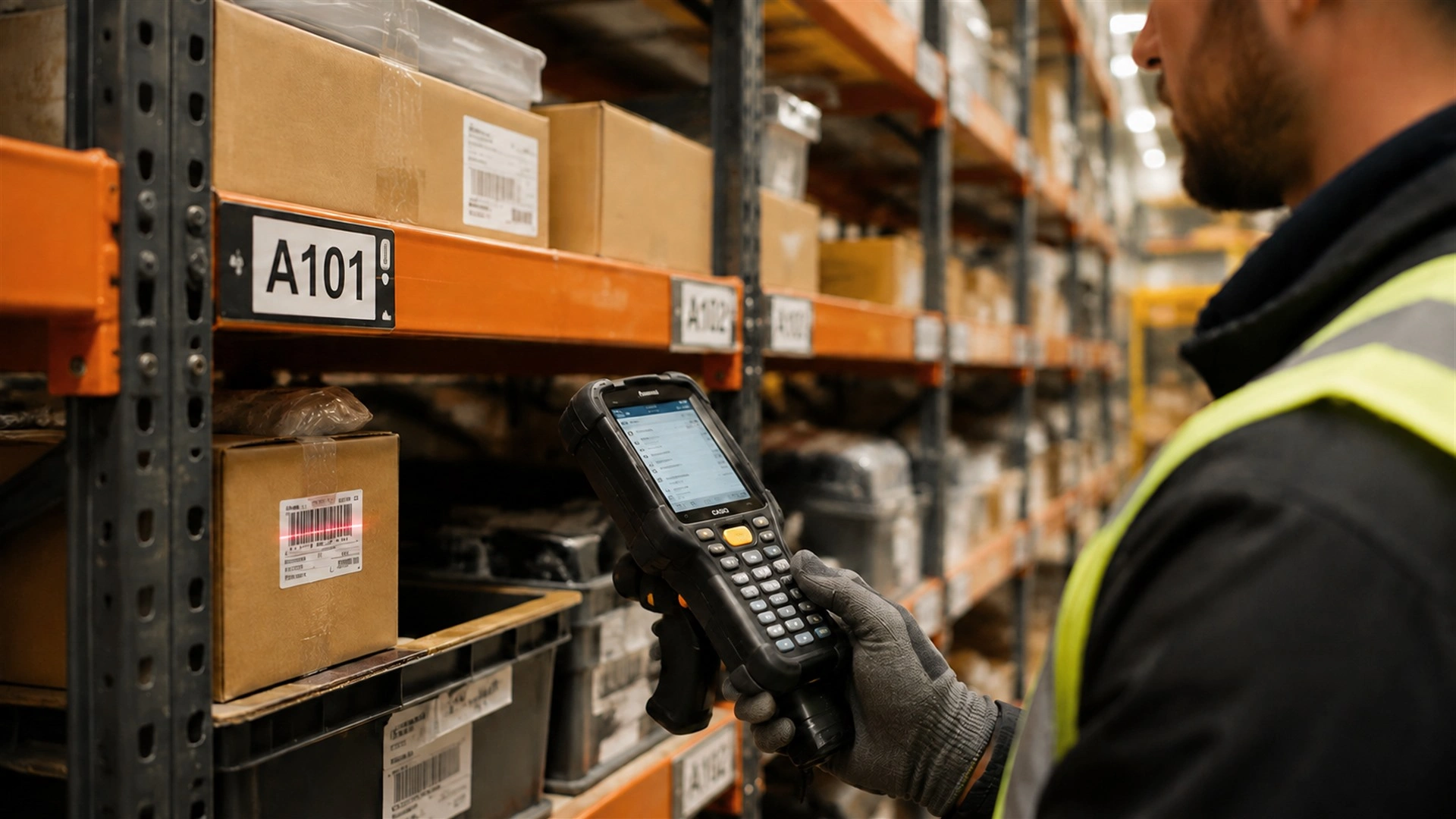
A product-based point of sale for retail businesses with barcode scanning, inventory management, customer accounts, loyalty integration, and end-of-day reporting by register and location.

02

Food and Beverage POS

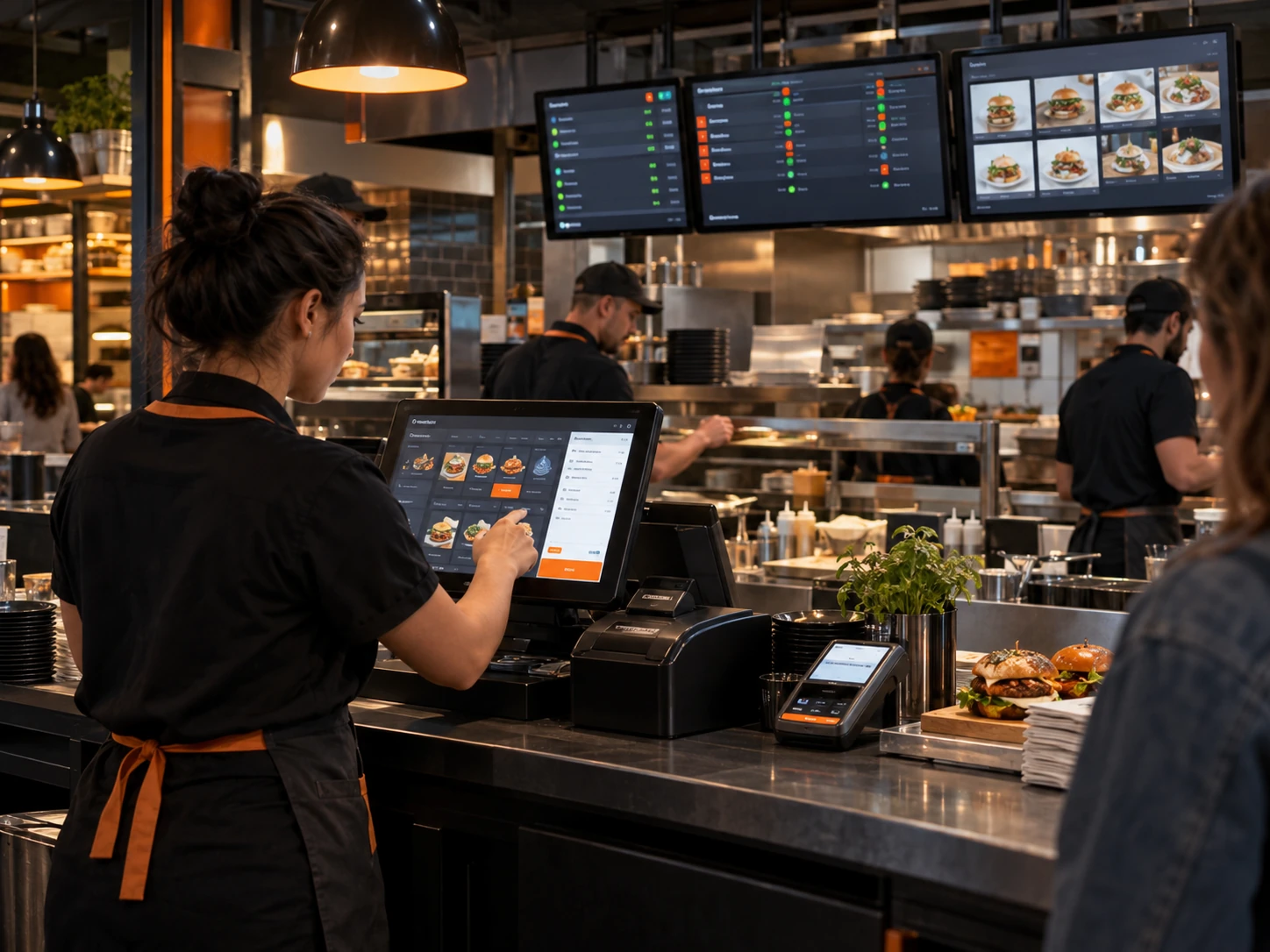
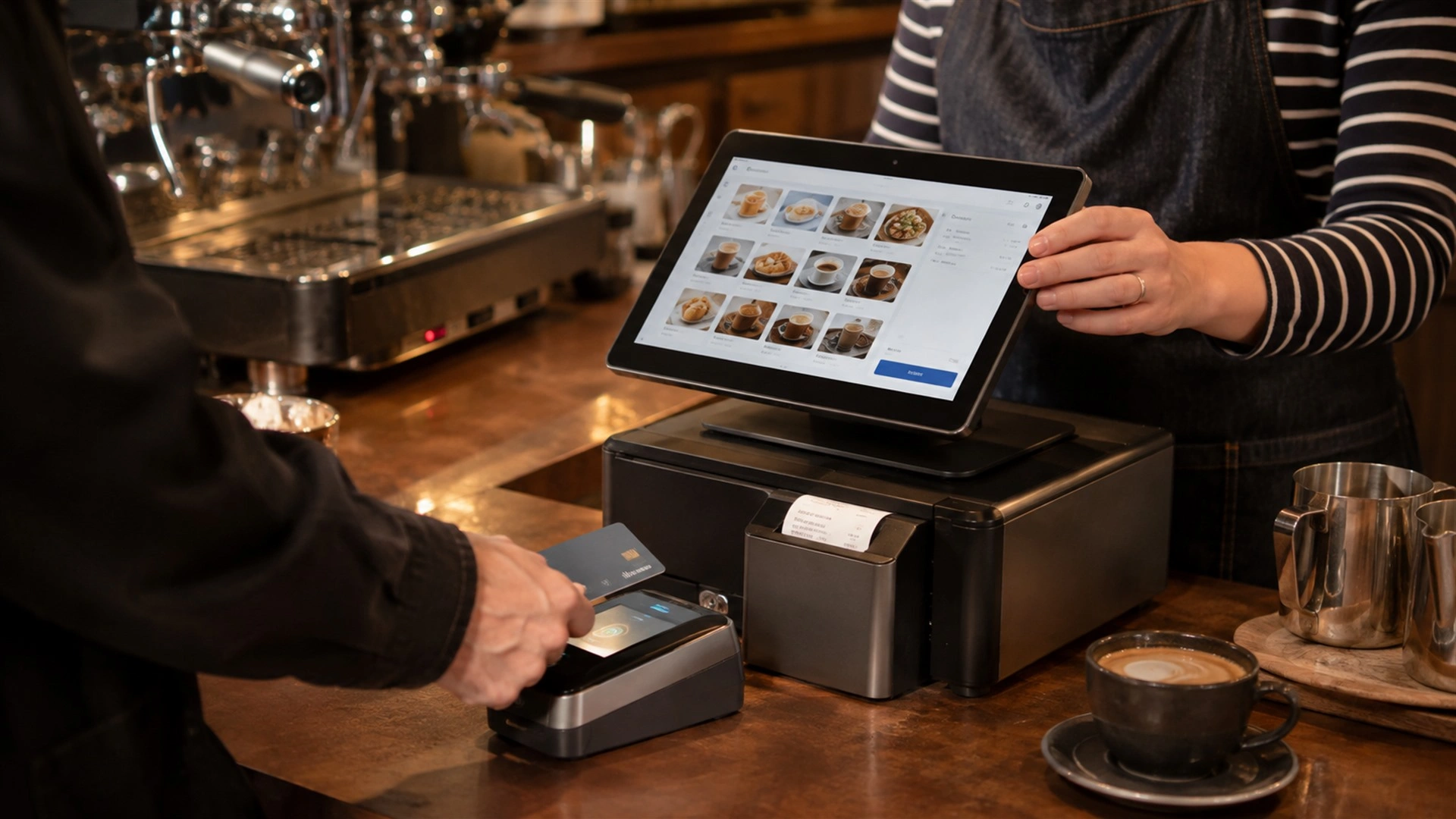
A restaurant or café POS with table and order management, kitchen display integration, menu modifiers, split-check and tip handling, and tab management for bar and quick-service operations.

03

Event and Mobile POS

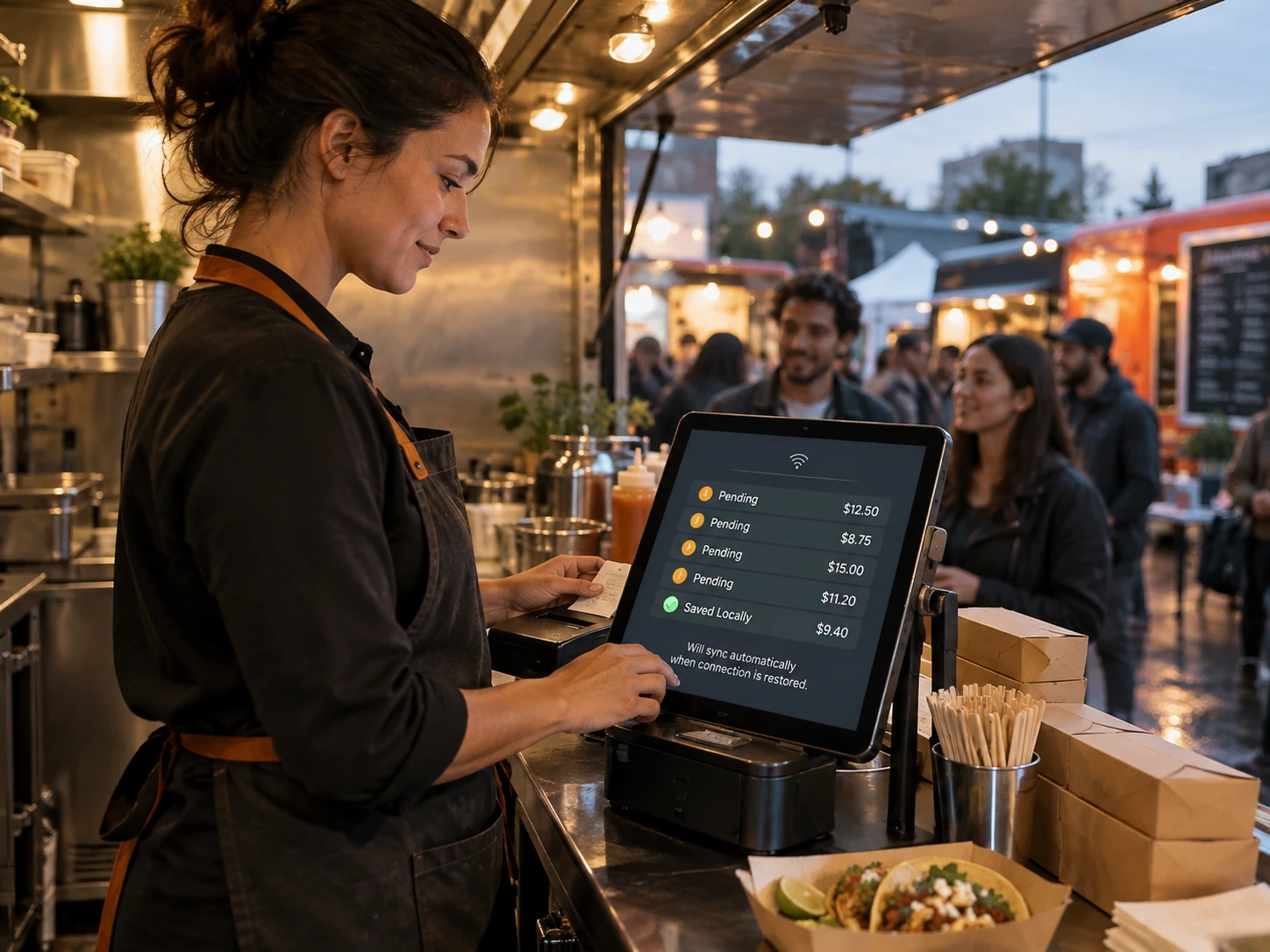
A portable point of sale for markets, festivals, pop-up retail, and field sales, built for offline transaction queuing, battery-optimised operation, and rapid hardware setup and teardown.

The Kind Of Experience
Operators Already Expect

A cashier who has worked with Square or Toast arrives at a custom POS with muscle memory for how a transaction should flow. Scanning a product or selecting a menu item needs to be fast. Checkout should take seconds, not require navigating four screens. A voided transaction should not require a manager’s code for routine corrections. The speed and the feel of the interface determine whether staff adopt it or work around it, and resistance from staff is how a POS investment fails.

The offline requirement is not optional for any business where a lost internet connection would stop sales. A POS that goes down when the broadband drops is a POS that costs the business revenue and trust from customers standing at the counter. Offline transaction queuing — processing card payments in offline mode, storing them securely, and syncing the moment connectivity returns — has to be built into the architecture from the start, not added after the first incident.

Key Features We Build, By User

05 features
  • Fast product and menu lookup by name or barcode
  • Modifier, variant, and add-on selection
  • Discount, coupon, and loyalty redemption
  • Split payment and multi-tender checkout
  • Refund and void with manager approval controls

How Much Does A
POS App Cost?

Cost depends mainly on how many locations and terminals your business runs and how complex your hardware and integration requirements are. As a general guide:
01

Single-Location POS

Core checkout, payment processing, and basic inventory for one location with one terminal type. These typically fall in the mid five-figure range and take ten to sixteen weeks to build.

02

Multi-Location or Full-Feature

Multi-register, multi-location POS with full inventory management, kitchen display integration, and accounting sync. These sit in the high five-figure range with a sixteen to twenty-four week build.

03

Enterprise POS Platform

Large retail or hospitality groups with franchise support, complex reporting, loyalty integration, and multi-hardware configuration. These run into the six-figure range and are scoped individually.

These are market ranges, not fixed quotes. We give you an itemized number after a short discovery call.

How We Work

01Discovery

We map your transaction workflow, your hardware environment, your inventory system, and your offline requirements before any design decisions are made.

02Design

We prototype the checkout interface and test it with actual cashiers and operators before development starts so speed and flow problems are found before they are built.

03Development

We build in sprints with regular check-ins so your operations team can review real checkout flows and offline behaviour throughout the build rather than at final delivery.

04Testing

Every build is tested with real hardware in offline and online modes before release so payment processing, inventory sync, and offline queue behaviour are validated first.

05Launch and Support

We handle App Store and Google Play submission and stay on for payment provider updates, hardware changes, and new location or feature additions after launch.


Technologies We Use
For POS
App Development

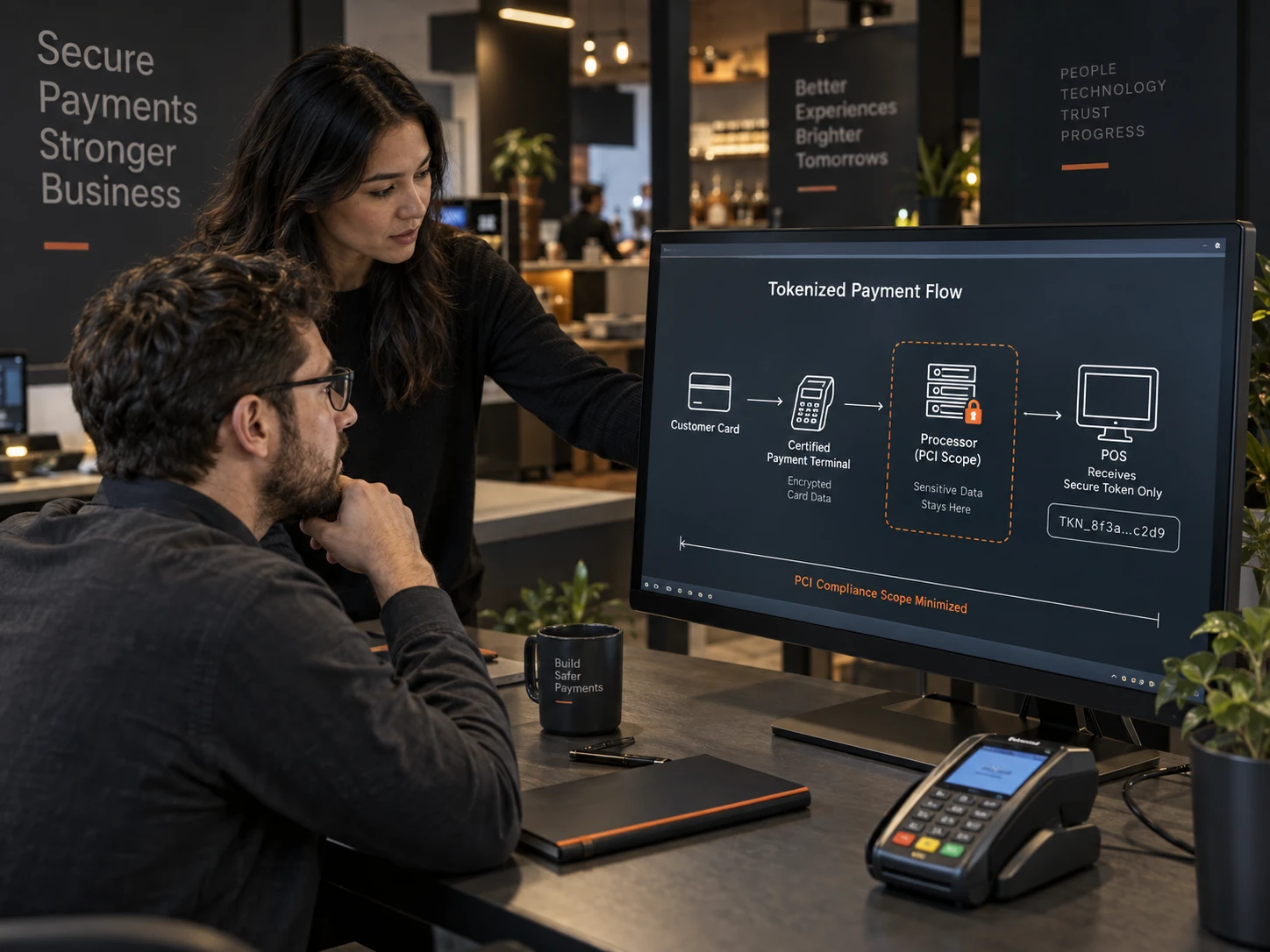
We build POS apps natively in Swift for iOS or Kotlin for Android where hardware integration requires it, and in React Native for cross-platform where the hardware supports it. Payments integrate through Stripe Terminal or Square hardware SDKs, keeping card data off the application. The backend runs on Node.js with PostgreSQL for transaction records and inventory. Offline queuing uses local device storage with encrypted transaction holding and automatic sync on reconnection.
  • Swift
  • Kotlin
  • React Native
  • TypeScript
  • JavaScript
  • Node.js
  • PostgreSQL
  • Redis
  • GraphQL
  • Stripe Terminal
  • AWS
  • Firebase

Why Choose Stateside Digitals For
POS App Development

Frequently Asked Questions

Can the POS work without an internet connection?

Yes, and we design for offline operation from the start rather than adding it later. Transactions are processed and held in encrypted local storage, inventory is updated locally, and everything syncs automatically the moment connectivity returns. No transaction is lost and no sale requires staff to apologise at the counter.

How do you handle PCI DSS compliance?

Can you integrate with our inventory system?

Can the POS run on iPad or Android tablet?

Can you add loyalty and customer tracking to the POS?

Let’s Build Your
POS App

Tell us which hardware you run, how many locations you operate, and what your current POS cannot do, and we will scope a point of sale built around your operation.

FILL THE FORM

Stateside Digitals
@2026
LET’s CONNECT